Docker Desktop on Windows (ruby on rails)
因工作環境需求,必須在 Windows Server 2019 部署 Ruby on Rails,但 Capistrano 不支援部署至 Windows,因此改用 Docker Desktop 解決。
準備
- 註冊 Docker Hub
- 下載並安裝 Docker Desktop
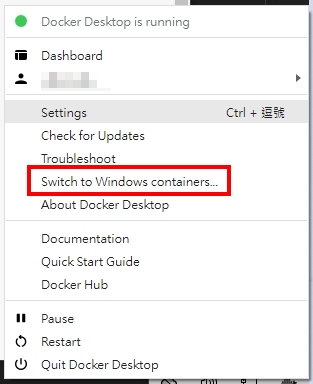
- 將 Docker Desktop 的 Containers 切換為 Linux(選單出現 Switch to Windows containers 代表目前已是 Linux)
一、建立 Dockerfile
參考 Docker docs - Compose and Rails 建立 Dockerfile。我在 Docker Desktop v4.10.1 照官方步驟無法正常啟動,因此參考 Docker 上的 Windows 調整如下(Ruby 2.4.4,並加上 imagemagick 與 SQL Server 需要的 FreeTDS):
1 | |
| 指令 | 說明 |
|---|---|
FROM |
基底 Image,這裡使用 Ruby 2.4.4 |
RUN |
執行 Linux 指令,安裝與設定 Image 需要的套件 |
WORKDIR |
指定工作目錄 |
COPY / ADD |
複製檔案;ADD 為進階版,可自動解壓縮 |
ENV |
設定環境變數 |
EXPOSE |
宣告容器使用的 port |
CMD |
docker run 時執行的指令 |
二、打包 Docker Image
在 Dockerfile 所在的資料夾執行:
1 | |
docker_test 為 Image 名稱,1.0.0 為 Tag,--no-cache 避免使用快取而 build 到舊的內容。
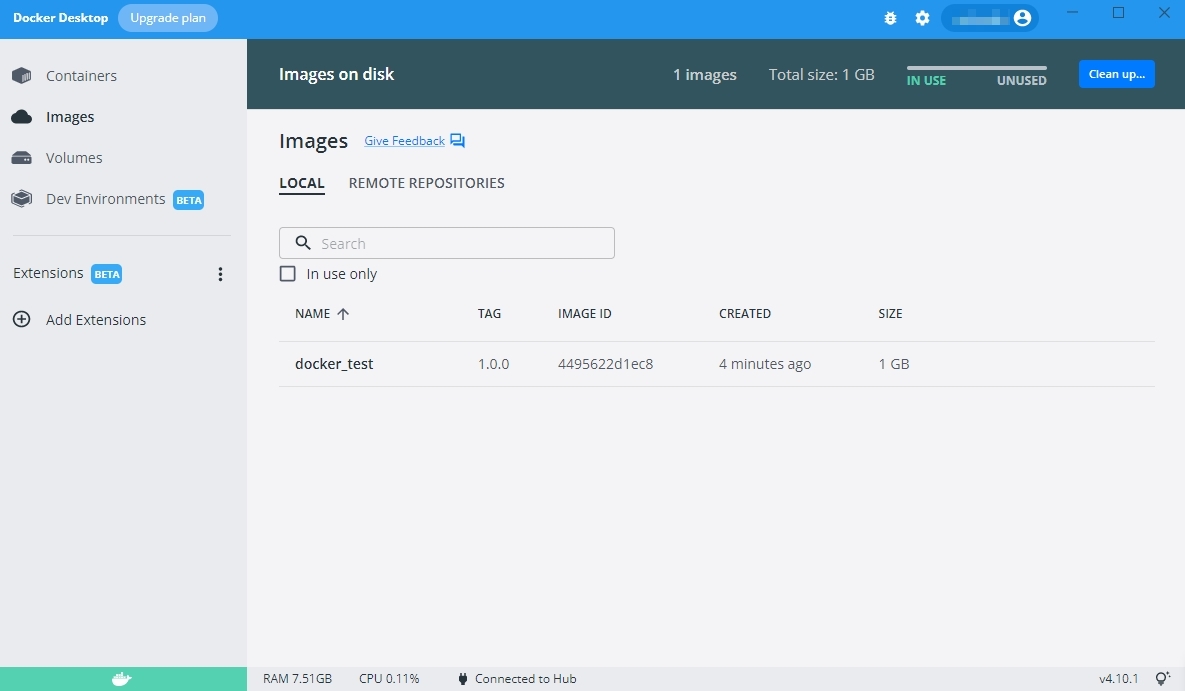
成功後可以在 Docker Desktop 看到,或輸入 docker images 查看:

三、執行 Docker Image
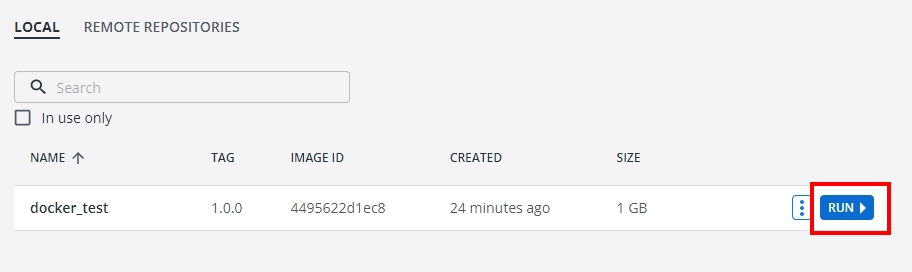
在 Docker Desktop 按下 RUN,或輸入:
1 | |
-p 3000:3000 將容器的 3000 port 對應到本機,即可用 http://localhost:3000 開啟網站。
不需要的 Image 可以用以下指令刪除:
1 | |
補充:使用 Docker Compose
本機開發也可以改用 Docker Compose。在專案根目錄建立 docker-compose.yml:
1 | |
myprojectname 為 Image 名稱(Docker 的 Image 名稱只能用小寫),1.0 為 Tag。我的資料庫是外部連線,所以沒有設定 database 服務。
建立好後執行,就會自動完成 build 與 run:
1 | |
本文作者: 我的名字叫劉穎,也可以叫我 Alan
本文連結: https://hi-alan-liu.github.io/blog/docker-desktop-on-windows-ruby-on-rails/
版權聲明: 本站所有文章除特別聲明外,均採用 CC BY-SA 4.0 協議 。轉載請註明出處!